Ahead iOS
Native iOS Personal Finance
A native iOS personal finance application designed and built in SwiftUI—focused on clean financial planning, budgeting, and a calm mobile experience.
Launch
April 2026
Status
✅ Live on the Apple App Store
Role
Founder · Product Designer · iOS Developer
Platform
Native iOS (SwiftUI)
Stack
SwiftUI · Figma · Xcode · GitHub
01
Feature demos
Key product interactions—conversational guidance, decision history, and voice-native input—in motion.
01
Think through real financial questions with contextual guidance before spending.
02
Review past decisions and tradeoffs to build clarity over time.
03
Add transactions and accounts by voice—fast input without typing.
02
Overview
Most personal finance apps overwhelm people with dashboards, categories, and bookkeeping tasks. Ahead iOS takes a different approach: help users understand what they can safely spend and stay on track with their goals.
I designed and built the full product—from interaction model and visual language through SwiftUI implementation and App Store submission.
03
Product Design
The product centers on clarity over complexity—reducing cognitive load while keeping essential financial context visible.
- Safe-to-spend as the primary decision surface
- Weekly budget rhythm instead of daily anxiety
- Goal progress without spreadsheet complexity
- Calm visual hierarchy for financial information
- Native iOS patterns users already understand
04
Mobile UX
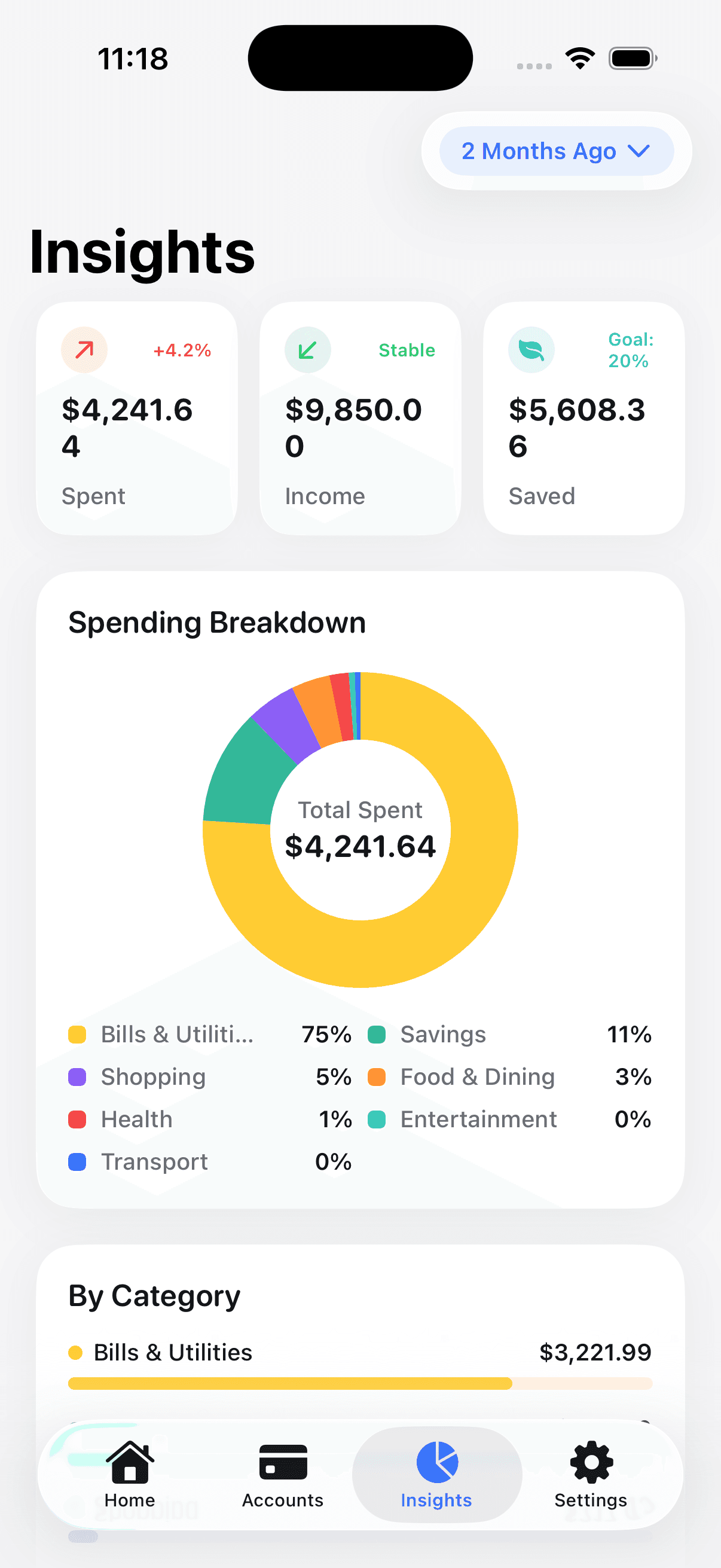
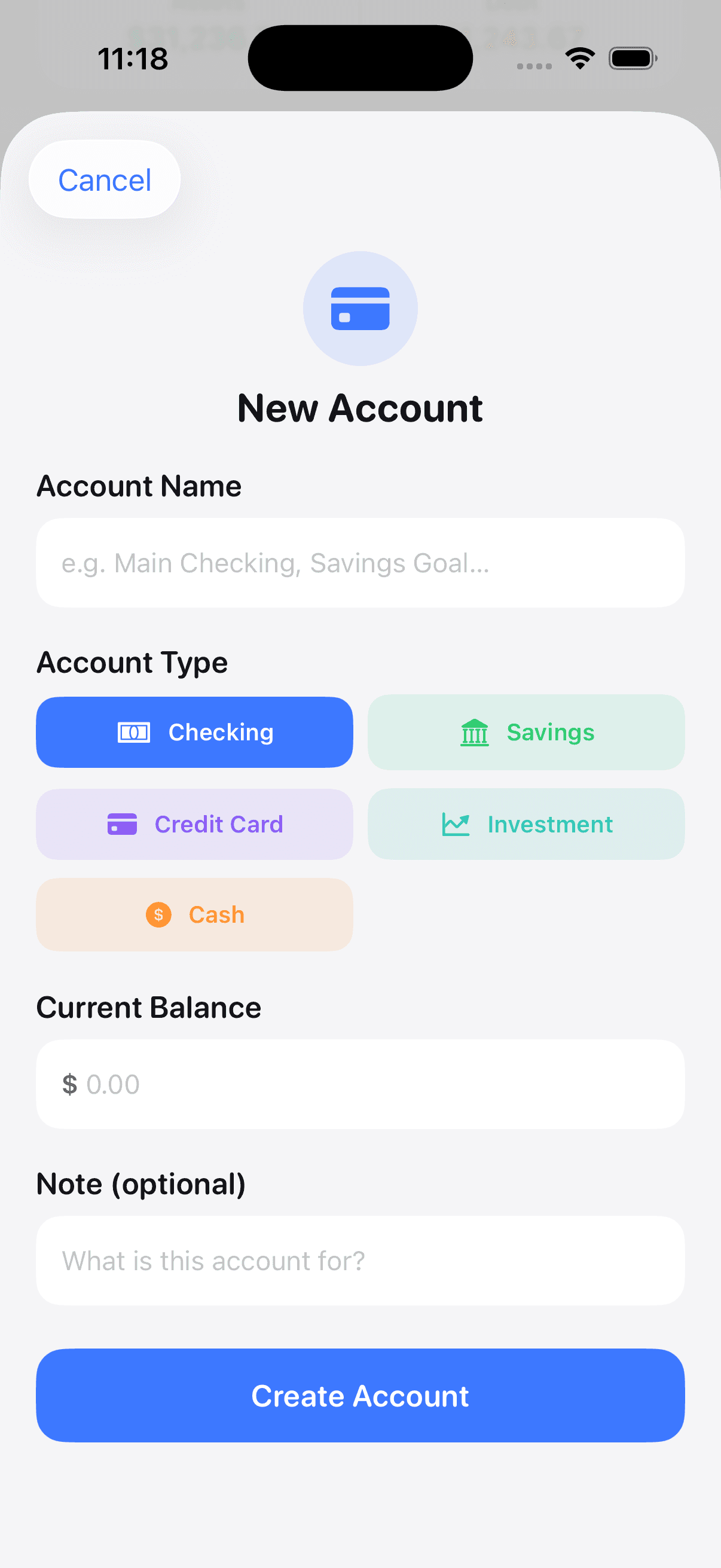
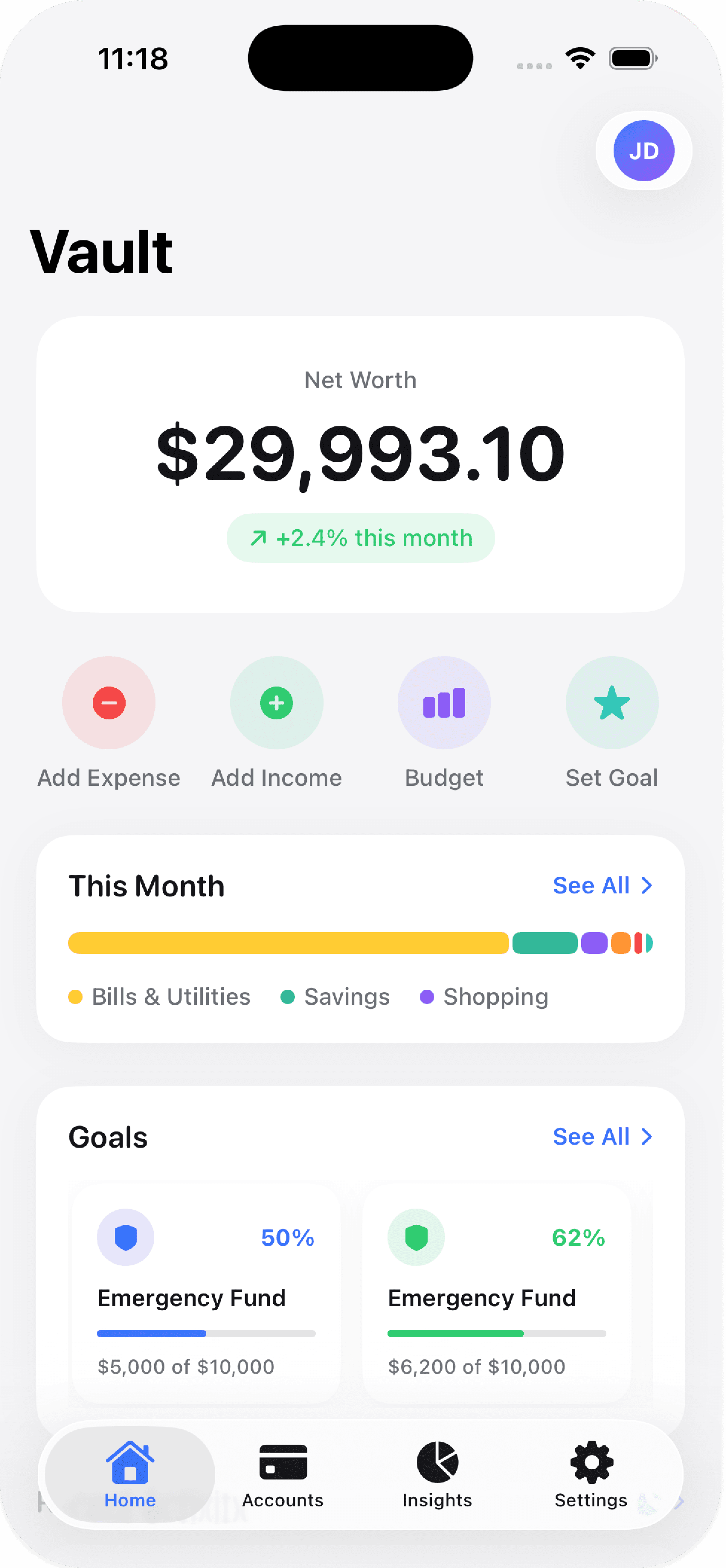
Every screen was designed for one-handed use, glanceability, and quick return visits—not long analysis sessions.
05
Interaction Design
Interactions prioritize speed, feedback, and confidence—so users can check their finances and move on with their day.
- Progressive onboarding with minimal required input
- Clear primary actions on every screen
- Consistent navigation between accounts, goals, and spending
- Haptic and visual feedback for key confirmations
- Readable typography and spacing for financial data
06
SwiftUI Implementation
The app was built as a fully native SwiftUI product—not a prototype wrapper—so design decisions translated directly into production code.
07
App Store Launch
Shipped as a complete consumer product in April 2026—from working onboarding to subscription and store listing.
- Live on the Apple App Store
- Fully native SwiftUI
- Interactive navigation
- Working onboarding
- Subscription flow
- App Store metadata and screenshots